CleanThisText guide
Turn a copied AI draft into a plain-text email
Keep the greeting, requests, names, and link destinations while removing chat-style presentation that does not belong in an email.
Separate the message from the chat
Copy the proposed email itself, not the assistant's explanation, alternative subject lines, or a closing offer to rewrite it. A formatting cleaner cannot reliably decide where the actual message starts. Delete chat commentary deliberately before treating the passage as a draft ready to send.
Keep the subject separate from the body. Check the salutation, recipient name, dates, attachments mentioned, and the request you are making. A polished paragraph can still promise something you did not intend. Confirm those details from your own records.
Convert the visible formatting
AI Text Cleaner removes common heading and emphasis markers, reduces repeated prose spaces, and retains simple link destinations. Start with just Markdown and spacing cleanup. Do not enable line joining on a message with intentional address lines or a short list of actions.
Use the review studio when the email includes figures or code. Pin a recipient name and any exact quoted wording, then compare the result. The tool does not connect to your mailbox or send the message. Copying is a separate, deliberate action.
Check the final paste in the email client
Paste into a draft, not directly into a send action. Make sure a link's punctuation has not become part of its address, the paragraph gaps are readable, and the sign-off appears once. For plain text, a visible destination can be useful even when the email client makes it clickable.
If the source contains a table, convert it into short labeled lines yourself and verify each value. Asterisks disappearing is not proof that a table's relationships survived. Read the final email aloud once, especially any deadlines, commitments, or instructions.
Worked example
Input
**Subject:**   Draft review

Hi Ada,

Please read [the brief](https://example.com/brief).

Thanks!
Result
Subject: Draft review

Hi Ada,

Please read the brief (https://example.com/brief).

Thanks!
Only presentation changes. Move the Subject line into your email client's subject field and verify the actual recipient before sending.
For the next step
Simple hardware for an offline draft workflow.
Optional picks for moving paper notes into a file and writing through a revision.
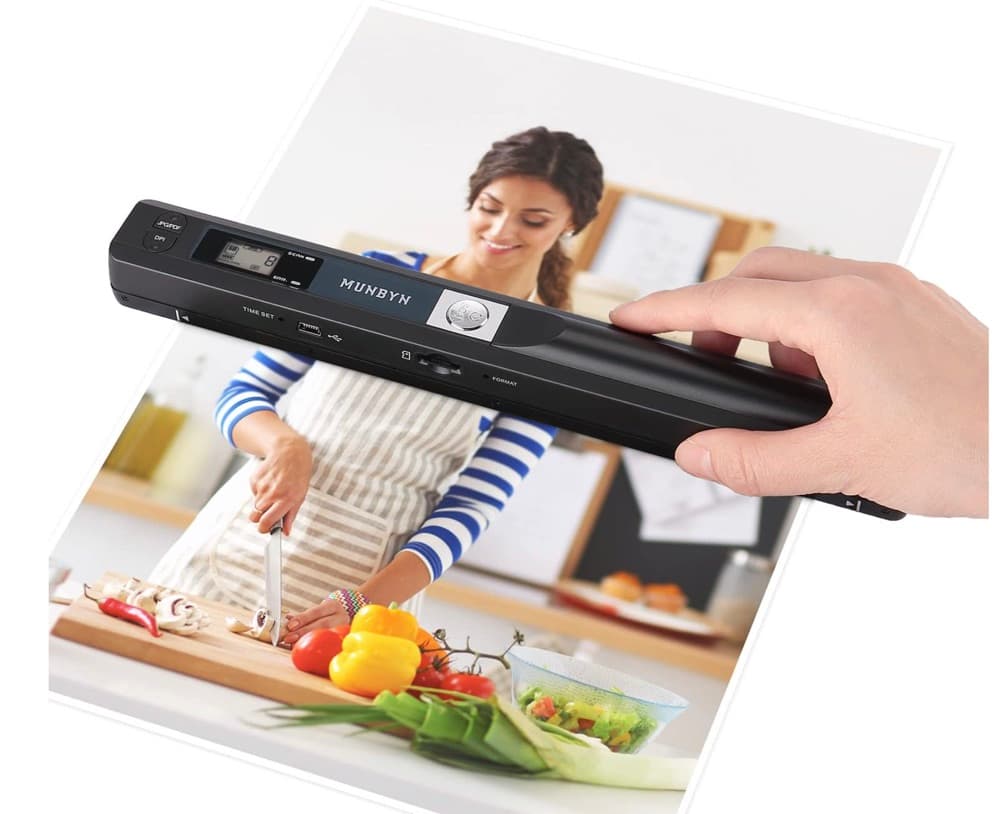
MUNBYN portable scanner
A handheld scanner option for bringing paper notes and pages into a digital workflow.
View on Amazon
GLENCREAG RK104 retro mechanical keyboard
A full-size mechanical keyboard option for long cleanup, formatting, and writing sessions.
View on AmazonAs an Amazon Associate I earn from qualifying purchases.
All referenced CleanThisText tools process pasted text locally in browser memory. Read the privacy explanation.