Learn the workflow

Practical text and code guides

Clear explanations, realistic limits, and direct paths to the relevant browser tools.

How to remove line breaks from copied PDF textRepair wrapped paragraphs without flattening headings, addresses, or every meaningful paragraph break.How to clean copied AI textRemove Markdown styling and extra spaces from copied AI responses while preserving code, links, and paragraph structure.How to remove duplicate lines without losing orderUnderstand case-insensitive matching, surviving spelling, and why the first occurrence stays.Word count versus character countUnderstand spaces, punctuation, hyphens, and the Unicode counting rules used by these tools.How reading time is calculatedUse the actual formula and distinguish adjustable reading pace from the fixed speaking estimate.Format and validate JSON safelySeparate syntax validation from schema checks and understand changes caused by reserializing JSON.How to compare two text draftsReview additions and removals without confusing an edit comparison with a similarity score.Convert code naming conventionsCheck identifier boundaries before converting names into camel, snake, kebab, constant, and other styles.URL encoding explainedEncode one URL component, avoid double encoding, and understand plus signs in query values.Base64 for UTF-8 textUnderstand UTF-8 bytes, size overhead, and the limits of a text-only Base64 decoder.Clean a pasted CSV columnTrim and deduplicate one extracted column without mistaking line tools for a CSV parser.Format SQL for easier reviewChoose the right dialect and separate readable SQL from database validation and execution safety.Format HTML, CSS, and JavaScript without running itChoose a parser, handle incomplete source, and review formatted code without confusing formatting with testing.

From notes to draft

Keep the offline parts of the workflow simple.

Optional picks for digitizing a paper note and writing through the next revision.

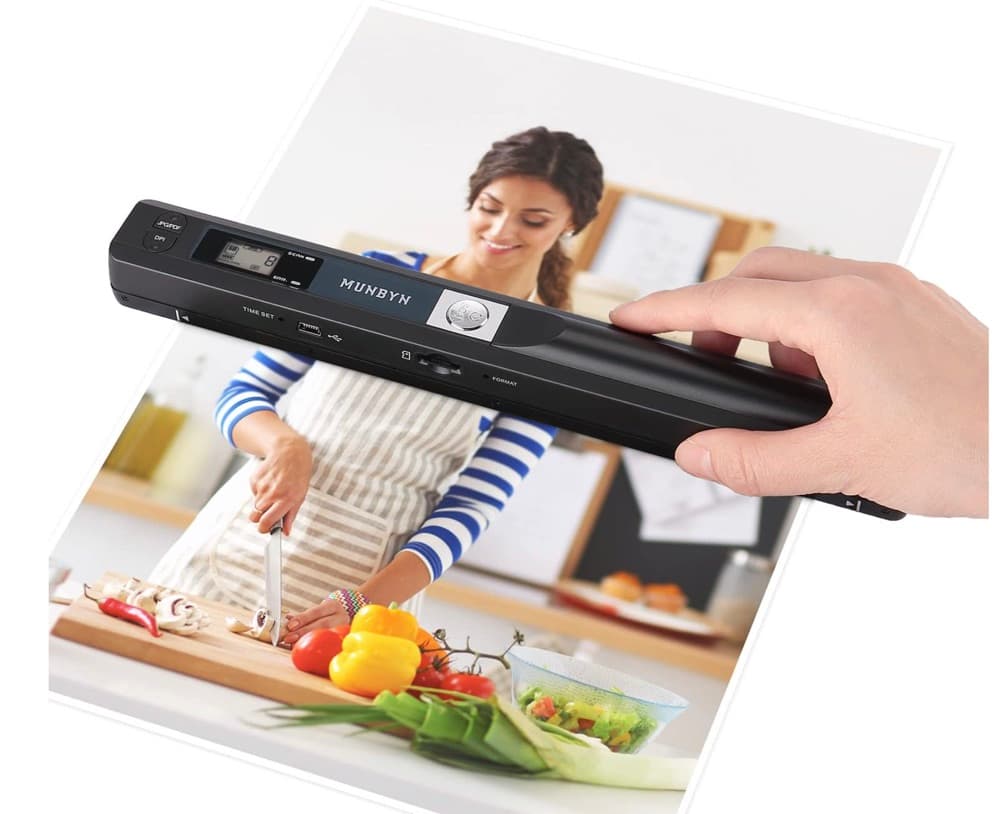
MUNBYN portable scanner product photo

MUNBYN portable scanner

A handheld scanner option for bringing paper notes and pages into a digital workflow.

View on Amazon

GLENCREAG RK104 retro mechanical keyboard product photo

GLENCREAG RK104 retro mechanical keyboard

A full-size mechanical keyboard option for long cleanup, formatting, and writing sessions.

View on Amazon

6-in-1 charging station with tablet stand product photo

6-in-1 charging station with tablet stand

A multi-device charging station with a tablet stand for a document or writing desk. Check compatibility with your devices.

View on Amazon

As an Amazon Associate I earn from qualifying purchases.