CleanThisText guide
How to remove line breaks from copied PDF text
Repair wrapped paragraphs without flattening headings, addresses, or every meaningful paragraph break.
Identify accidental wraps first
PDFs record where text appears, not necessarily a sequence of flowing paragraphs. Copying a column can insert a newline at the end of every printed row. Joining those rows helps prose, but can damage poetry, addresses, code, and tables where each line has meaning.
Paste one representative paragraph first. If text jumps between columns halfway through a sentence, fix the reading order before joining anything. This tool cannot reconstruct PDF columns or recover words missing from a scan.
Choose the joiner and paragraph rule
Choose Space and leave Keep paragraph breaks enabled for ordinary prose. A single newline becomes a space; a blank line separates paragraphs. If the source uses single newlines even between real paragraphs, insert blank lines at those boundaries first.
Nothing joins adjacent pieces without any separator. Use it only for an identifier or uninterrupted string that genuinely needs joining. Comma is useful for converting list entries into one line, not for repairing paragraphs.
Review hyphens and page furniture
A word split as inter- on one row and national on the next retains the hyphen. Review split words individually rather than deleting every hyphen, since genuine compounds also use them. Headers, footers, page numbers, and OCR errors likewise remain in the copied text.
Compare the result with the PDF before replacing the original. Apply Remove Extra Spaces afterward only if spacing is still inconsistent, and review that as a separate change.
Worked example
Input
The meeting starts
at noon.

Bring your notes.
Result
The meeting starts at noon.

Bring your notes.
The single wrap becomes a space; the blank line still separates the two paragraphs.
- Join lines with:
- Space
- Keep paragraph breaks:
- On
For the next step
Simple hardware for an offline draft workflow.
Optional picks for moving paper notes into a file and writing through a revision.
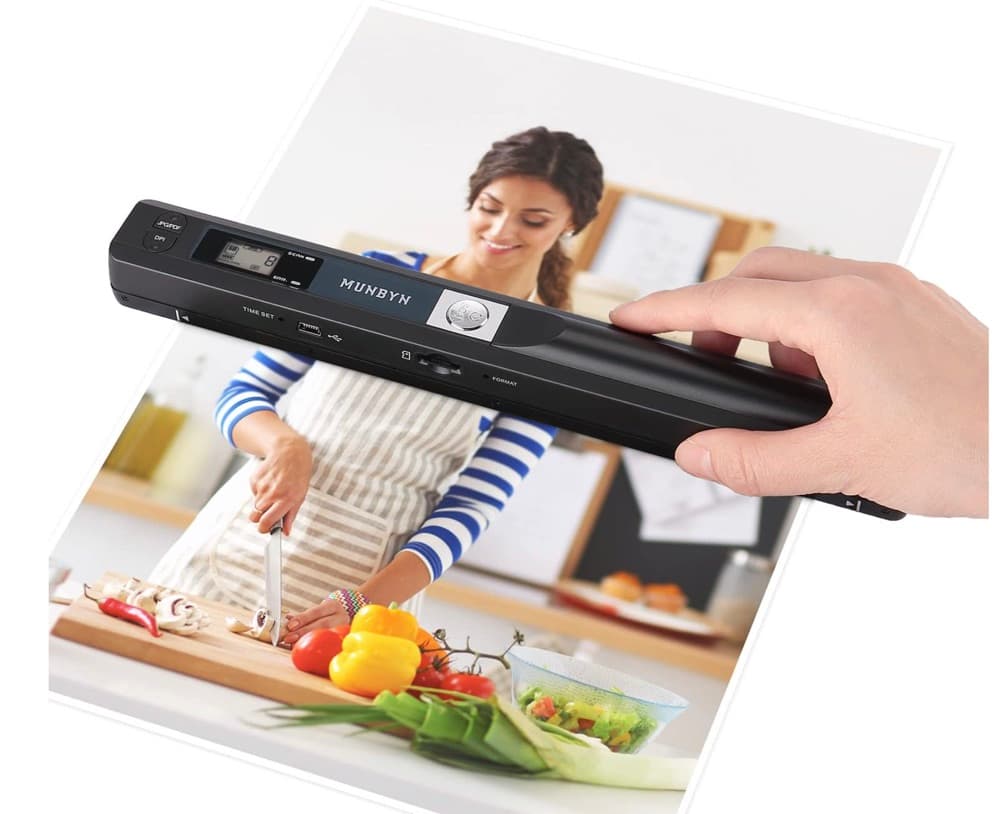
MUNBYN portable scanner
A handheld scanner option for bringing paper notes and pages into a digital workflow.
View on Amazon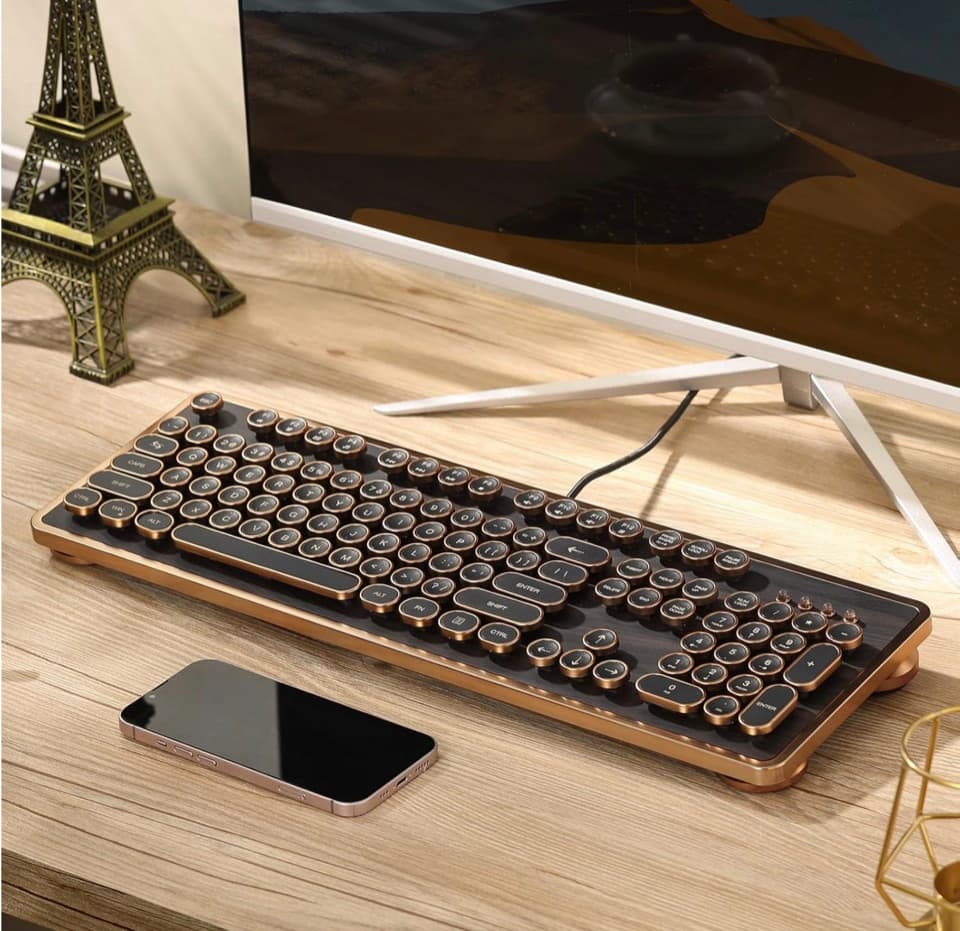
GLENCREAG RK104 retro mechanical keyboard
A full-size mechanical keyboard option for long cleanup, formatting, and writing sessions.
View on AmazonAs an Amazon Associate I earn from qualifying purchases.
All referenced CleanThisText tools process pasted text locally in browser memory. Read the privacy explanation.