CleanThisText guide
Clean a pasted CSV column
Trim and deduplicate one extracted column without mistaking line tools for a CSV parser.
Extract the column with a CSV-aware application
CSV is not always one record per newline. Quoted fields can contain commas, quotes, and line breaks. Running a complete CSV through line cleanup can split cells or detach related fields.
Open the file in a spreadsheet or CSV-aware editor and select only the column you need. Keep the original. If values must stay aligned with names, dates, or IDs in adjacent columns, work on whole records in that application.
Choose the cleanup order
For independent labels, run Trim Lines first. Remove Empty Lines only if blank rows do not represent missing data you must retain. Deduplicate next, then alphabetize only when the original order is no longer meaningful.
Duplicate matching ignores case and outer spaces but retains the first occurrence. Internal double spaces still distinguish entries. Treat identifiers such as 00123 as text when leading zeros matter.
Verify before importing
Compare input and output counts. Inspect punctuation, accents, leading zeros, and multiline cells. If one copied cell spans several lines, return to a CSV-aware workflow rather than guessing which lines belong together.
Paste into a new column or workbook copy before overwriting anything. These tools do not repair CSV quoting, validate records, or preserve relationships between fields.
Worked example
Input
  North
South
 East
Result
North
South
East
Only line-edge whitespace changes. Deduplication and sorting are separate decisions.
For the next step
Simple hardware for an offline draft workflow.
Optional picks for moving paper notes into a file and writing through a revision.
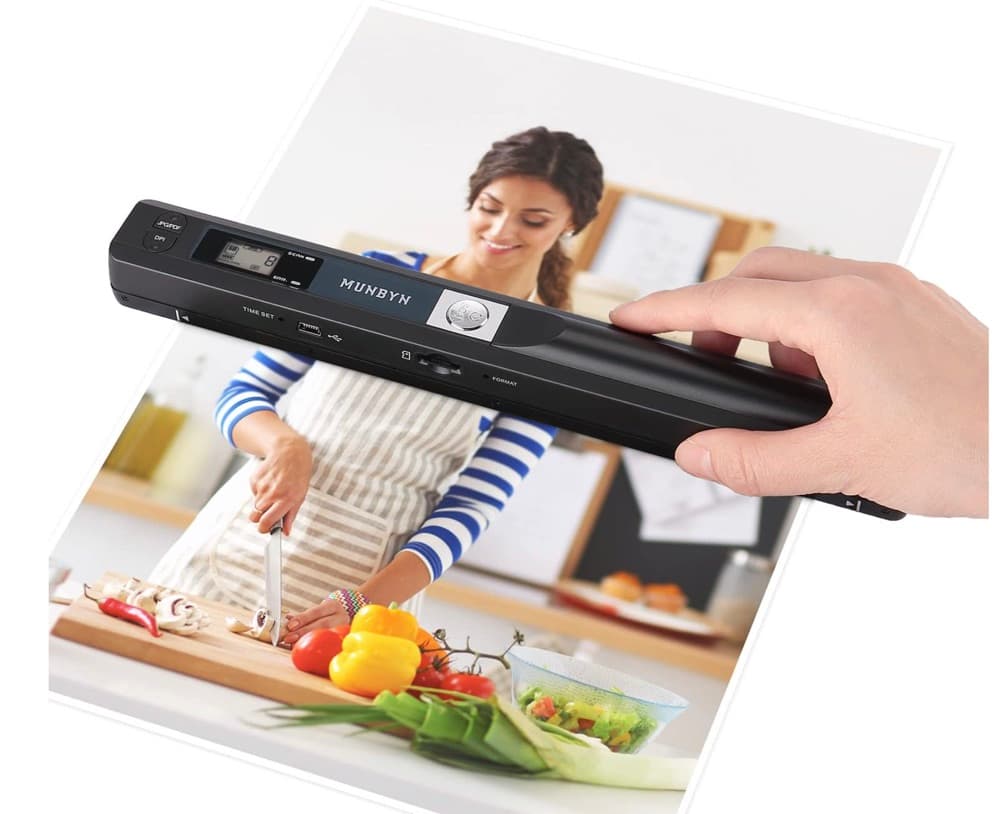
MUNBYN portable scanner
A handheld scanner option for bringing paper notes and pages into a digital workflow.
View on Amazon
GLENCREAG RK104 retro mechanical keyboard
A full-size mechanical keyboard option for long cleanup, formatting, and writing sessions.
View on AmazonAs an Amazon Associate I earn from qualifying purchases.
All referenced CleanThisText tools process pasted text locally in browser memory. Read the privacy explanation.