CleanThisText guide
How reading time is calculated
Use the actual formula and distinguish adjustable reading pace from the fixed speaking estimate.
Divide words by pace, then round up
Reading Time Calculator divides the tokenized word count by Words/min and rounds upward to whole minutes for nonempty text. At the default 225 words per minute, 450 words shows two minutes and 451 shows three. Empty input shows zero.
The pace control accepts 100 to 800 words per minute. That is an input range, not a claim that every reader can understand a document at the chosen speed. Select a pace appropriate to the audience and material.
Speaking uses a different rate
Speak time uses a fixed 150 words per minute and also rounds up. Changing the reading speed does not change speaking time. A 450-word script therefore estimates three minutes of speaking at any reading-speed setting.
Neither estimate includes demonstrations, questions, slide transitions, or audience reactions. For a timed presentation, rehearse the actual script aloud and include pauses.
Count what someone will actually read
Exclude navigation, repeated captions, or references only if they are not part of the reading experience you are estimating. A very short fragment still displays one minute because this is a rounded estimate, not a stopwatch measurement.
Dense technical writing, unfamiliar vocabulary, diagrams, and multilingual passages can make word-based timing less representative. Use it to compare draft lengths, not to promise comprehension or exact delivery time.
Worked example
Input
Read this short sample.
Result
Read this short sample.
Four words still show one minute for both estimates because nonzero results round upward.
- Reading speed (words/min):
- 225
For the next step
Simple hardware for an offline draft workflow.
Optional picks for moving paper notes into a file and writing through a revision.
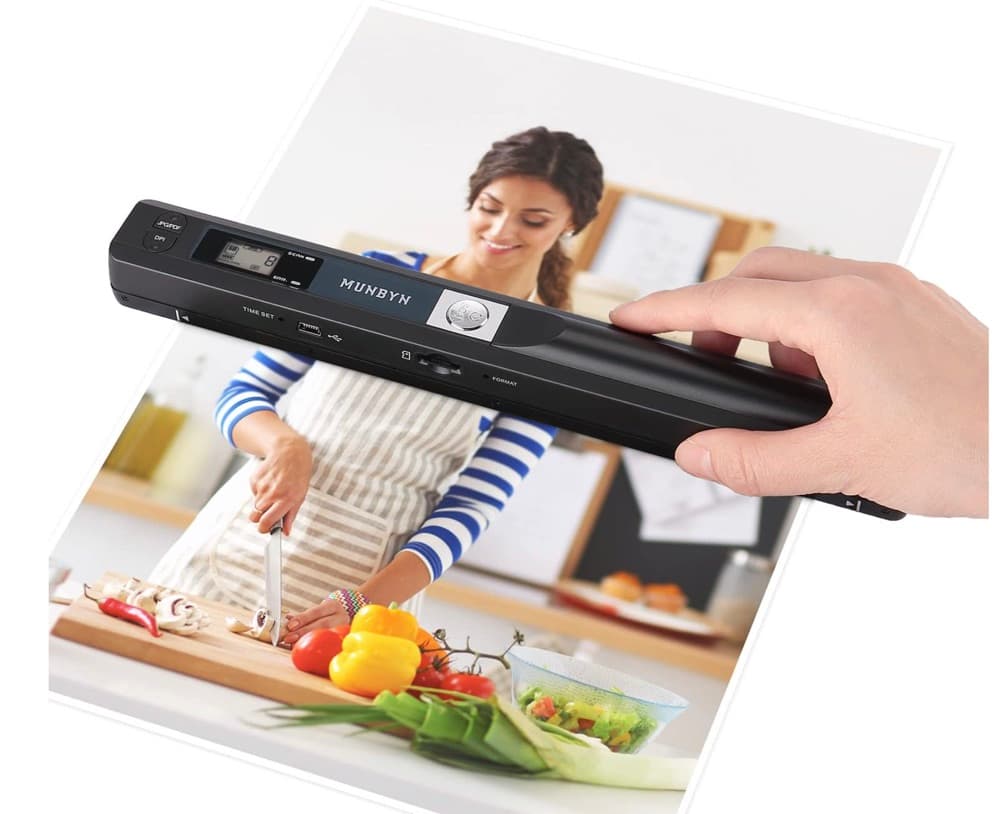
MUNBYN portable scanner
A handheld scanner option for bringing paper notes and pages into a digital workflow.
View on Amazon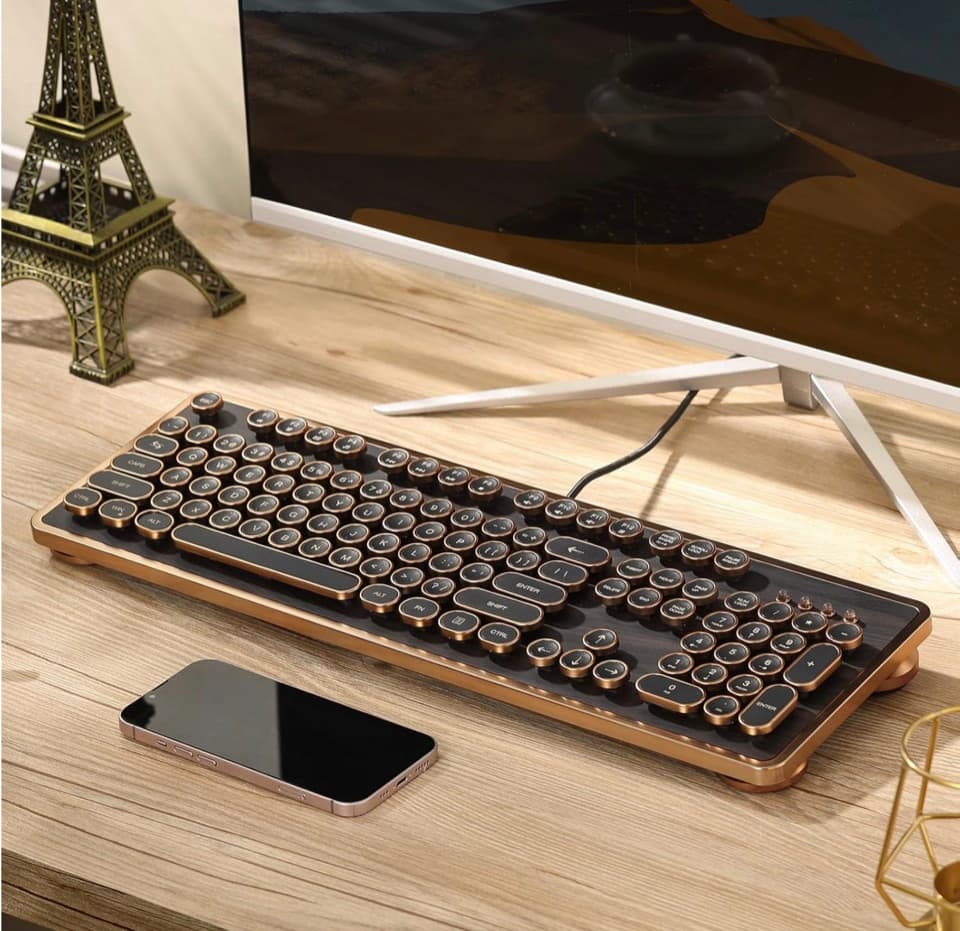
GLENCREAG RK104 retro mechanical keyboard
A full-size mechanical keyboard option for long cleanup, formatting, and writing sessions.
View on AmazonAs an Amazon Associate I earn from qualifying purchases.
All referenced CleanThisText tools process pasted text locally in browser memory. Read the privacy explanation.