CleanThisText guide
How to clean copied AI text
Remove Markdown styling and extra spaces from copied AI responses while preserving code, links, and paragraph structure.
Start with the copied formatting
AI chats often display a neatly formatted response, but pasting it into a plain-text field can expose heading markers, bold asterisks, and uneven spacing. AI Text Cleaner handles these presentation artifacts together, using explicit rules in your browser. Keep an untouched copy so you can compare the changes.
Paste the response into AI Text Cleaner with Remove common Markdown styling and Clean spaces and excess blank lines enabled. Headings and common emphasis markers become plain text, repeated prose spaces become single spaces, and excessive blank lines become one paragraph separator. Bullets and numbering remain. This also works for copied human-written Markdown; the tool does not infer authorship.
Keep code and citations readable
The cleaner preserves fenced code, indented code, and inline code, including significant spaces and punctuation. A JavaScript snippet or a command should remain a snippet, rather than being treated as prose. Fence delimiters also stay in the result so code boundaries remain clear.
Simple Markdown links become a visible label followed by the destination in parentheses. Check complex links, tables, nested Markdown, quotations, and citations manually. The tool does not visit the linked pages or verify that a source supports a claim. For code formatting, use the dedicated developer formatter instead.
Choose optional changes carefully
Use straight quotes is optional and off by default. Turn it on when the destination needs plain ASCII quotation marks in prose. Code regions stay unchanged. The cleaner deliberately avoids punctuation-spacing rules that could damage decimals such as 3.14 or addresses such as https://example.com.
Zero-width removal is also off by default. Zero-width joiners can be meaningful in scripts and emoji; do not remove them blindly from multilingual content. Review the original beside the output, then copy or download the result. Cleaning formatting does not fact-check, humanize, or promise to bypass an AI detector.
Worked example
Input
## Meeting notes

**Next step:**   review the draft.


Read [the agenda](https://example.com/agenda).
Result
Meeting notes

Next step: review the draft.

Read the agenda (https://example.com/agenda).
The heading and bold markers disappear, repeated spaces and excess blank lines are cleaned, and the link destination stays visible. No prose is generated or rewritten.
For the next step
Simple hardware for an offline draft workflow.
Optional picks for moving paper notes into a file and writing through a revision.
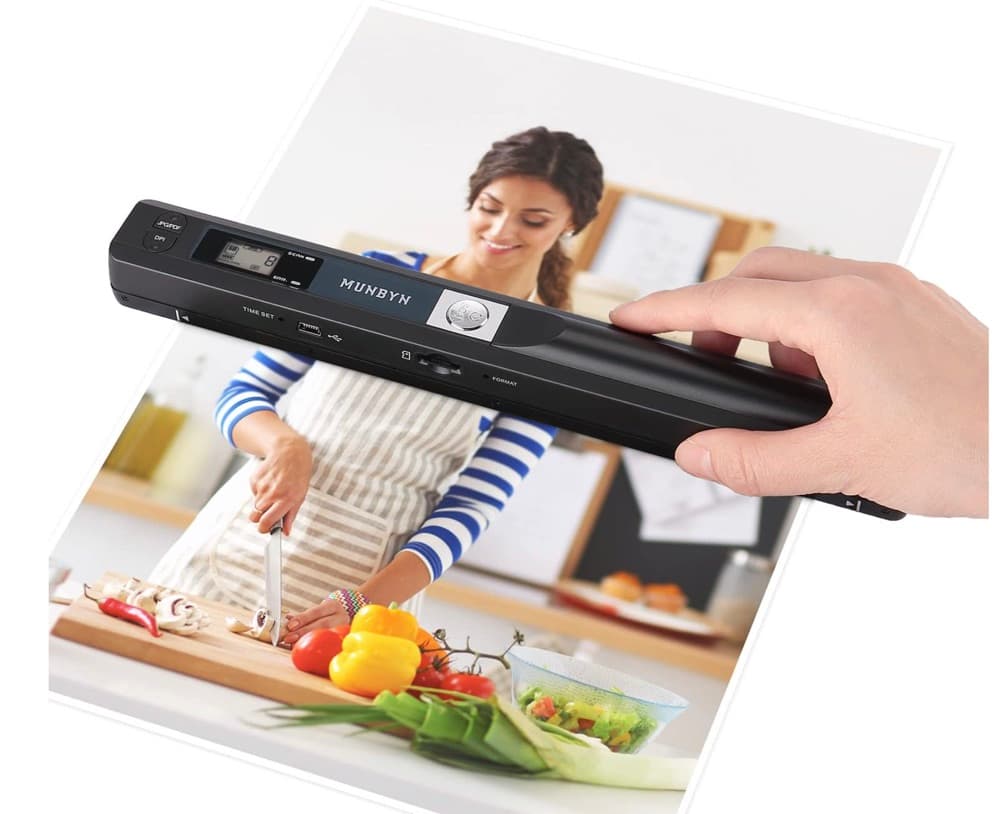
MUNBYN portable scanner
A handheld scanner option for bringing paper notes and pages into a digital workflow.
View on Amazon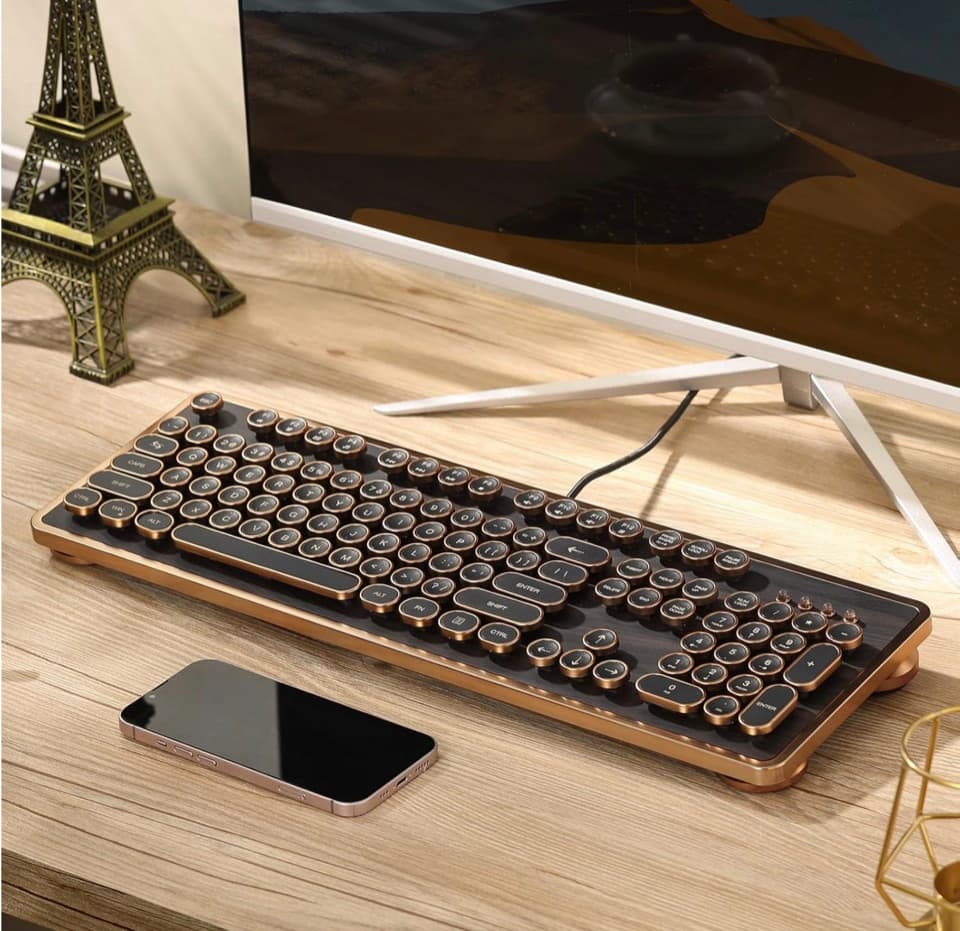
GLENCREAG RK104 retro mechanical keyboard
A full-size mechanical keyboard option for long cleanup, formatting, and writing sessions.
View on AmazonAs an Amazon Associate I earn from qualifying purchases.
All referenced CleanThisText tools process pasted text locally in browser memory. Read the privacy explanation.