CleanThisText guide
How to remove duplicate lines without losing order
Understand case-insensitive matching, surviving spelling, and why the first occurrence stays.
Know the comparison rule
Remove Duplicate Lines compares a trimmed, lowercased version of each line. Apple, APPLE, and a line with spaces around apple therefore share one key. The first occurrence stays; later matches disappear. The result is not automatically alphabetized.
Do not use this rule for passwords, case-sensitive identifiers, or paths where capitalization distinguishes records. Matching lines is also not identity resolution: similar names may refer to different people.
Prepare one entry per line
A comma-separated row is still one entry. Use Trim Lines separately if outer whitespace is not meaningful. The duplicate tool trims for comparison, but does not generally normalize the surviving entry's internal spacing.
Remove Empty Lines separately if blanks should disappear. New York and New York remain distinct because their internal spacing differs. Decide whether that difference is meaningful before normalizing it.
Sort only after reviewing
Compare retained entries with the original list, including the earliest spelling of each repeated label. Sorting first changes which entry comes first, so deduplicate before sorting when that choice matters.
Keep ranked lists and chronological logs in their original order. If entries must remain aligned with adjacent spreadsheet columns, clean complete records in the spreadsheet rather than sorting an isolated column.
Worked example
Input
Apple
banana
APPLE
cherry
 banana
Result
Apple
banana
cherry
Matching ignores case and outer spaces. First-occurrence spelling and order survive.
For the next step
Simple hardware for an offline draft workflow.
Optional picks for moving paper notes into a file and writing through a revision.
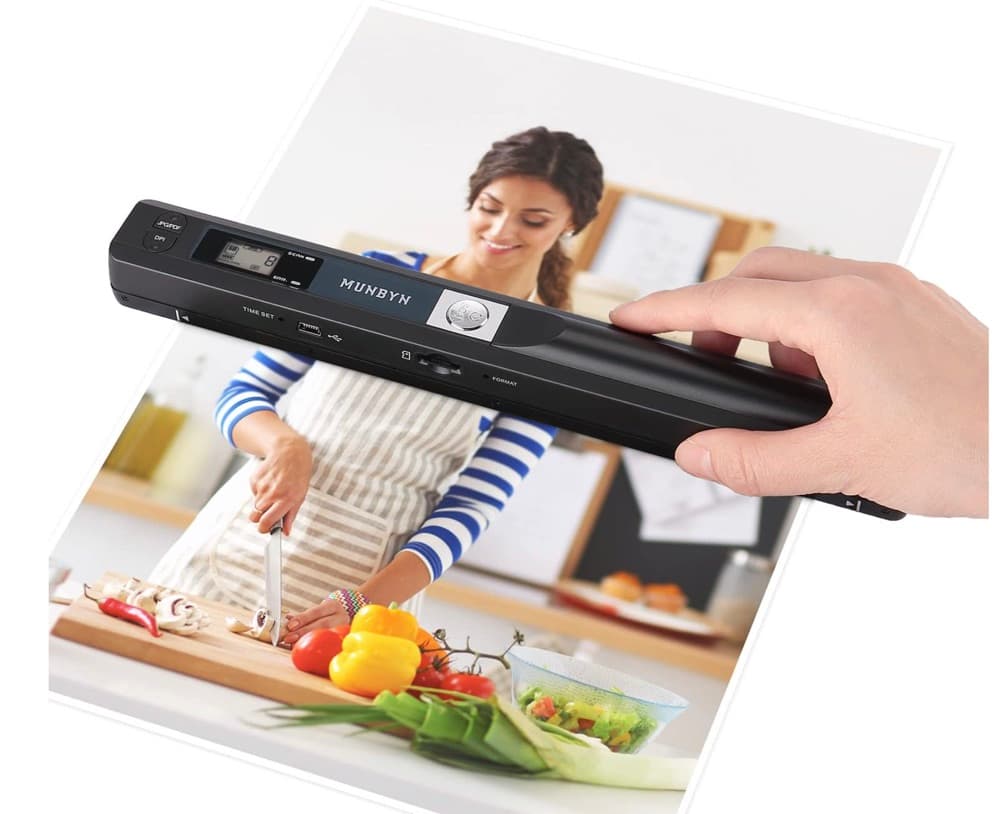
MUNBYN portable scanner
A handheld scanner option for bringing paper notes and pages into a digital workflow.
View on Amazon
GLENCREAG RK104 retro mechanical keyboard
A full-size mechanical keyboard option for long cleanup, formatting, and writing sessions.
View on AmazonAs an Amazon Associate I earn from qualifying purchases.
All referenced CleanThisText tools process pasted text locally in browser memory. Read the privacy explanation.