CleanThisText guide
Find invisible characters without deleting useful language
Locate zero-width spaces, joiners, nonbreaking spaces, and direction marks before deciding whether any should be removed.
Invisible does not mean unwanted
A zero-width character can explain a failed exact match, but other invisible controls shape words, join emoji, or preserve reading direction. Nonbreaking spaces can keep a number beside its unit. Their presence is not evidence that a passage is AI-generated or malicious.
Start with inspection instead of blanket deletion. In Cleanup Review Studio, create a preview and open Characters. Findings name the supported code point and show its position in the original. The list reports at most the first 200 findings while retaining the total count.
Understand the location
Locations use one-based line numbers and Unicode code-point columns, not editor pixels or UTF-16 offsets. A visible emoji sequence can include several code points, so the column may differ from what a cursor display shows. Findings also indicate whether the character sits inside a recognized Markdown code region.
Direction controls are described by name rather than copied into the diagnostic label. That keeps the finding readable without making the diagnostic itself reorder nearby text. The supported set is a focused list, not an exhaustive Unicode security scanner.
Remove only what the task permits
The studio's optional invisible-character step removes zero-width spaces and byte-order marks outside code. It deliberately leaves joiners and directional controls alone. Review script shaping and emoji against the original after any change.
The separate removal tool uses a broader set that includes some joiners and direction marks. Use it only when that loss is intended. If the problem is an identifier's representation rather than an accidental control, inspect explicit Unicode escapes and the receiving system's comparison rules.
Worked example
Input
copypaste
Result
copy\u200bpaste
The explicit escape reveals U+200B between the words. Seeing the code point helps you decide whether removing it is appropriate; the encoder itself does not remove it.
For the next step
Simple hardware for an offline draft workflow.
Optional picks for moving paper notes into a file and writing through a revision.
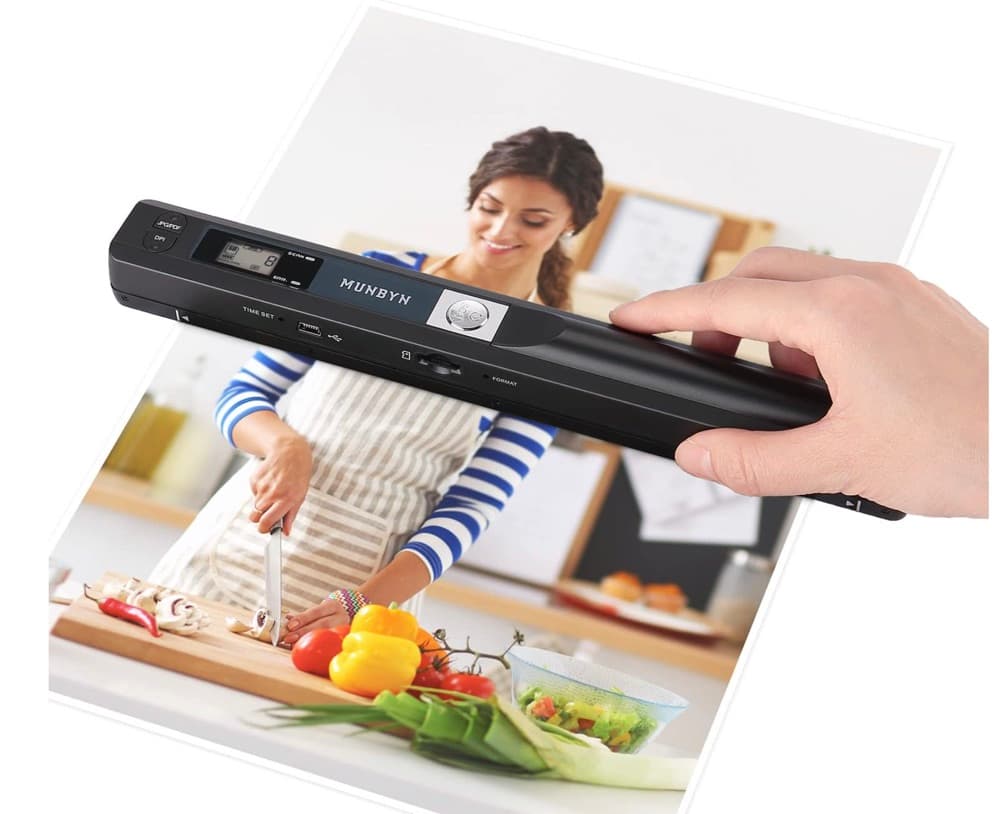
MUNBYN portable scanner
A handheld scanner option for bringing paper notes and pages into a digital workflow.
View on Amazon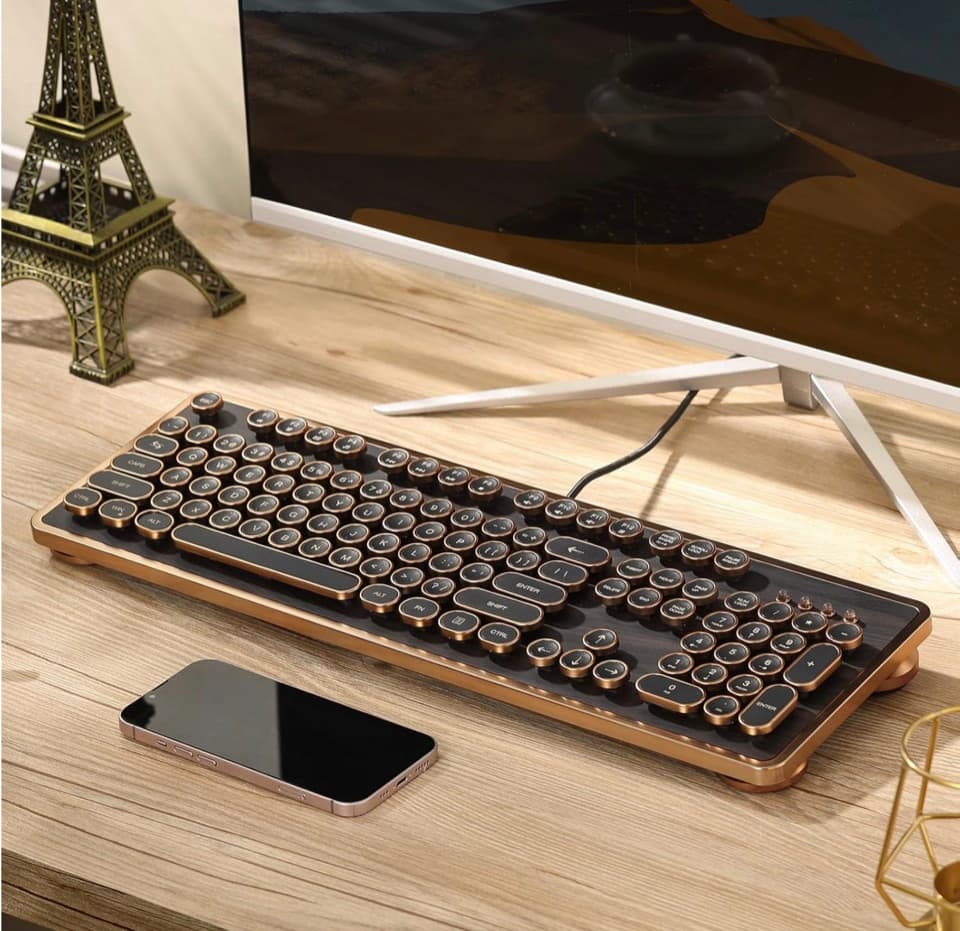
GLENCREAG RK104 retro mechanical keyboard
A full-size mechanical keyboard option for long cleanup, formatting, and writing sessions.
View on AmazonAs an Amazon Associate I earn from qualifying purchases.
All referenced CleanThisText tools process pasted text locally in browser memory. Read the privacy explanation.