CleanThisText guide
Check JSON copied from an AI response
Remove the surrounding explanation deliberately, then separate JSON syntax, schema correctness, and data accuracy.
Copy the payload, not the conversation
An AI response may wrap a payload in code fences, introduce it with prose, or use JavaScript-style comments. Strict JSON does not include those wrappers. Select the JSON itself, and retain the original response so you can inspect what was omitted.
AI Text Cleaner intentionally preserves recognized code regions and their fence delimiters. It is not a tool for silently stripping code fences and turning arbitrary chat output into trusted data. If you need JSON, choose the payload boundaries yourself.
Check syntax without guessing missing values
JSON Validator accepts strict JSON roots, including arrays and scalar values. If validation fails, inspect quotes, commas, brackets, comments, and trailing text. Do not add a fabricated value just to silence the parser: confirm what the field is meant to contain.
After syntax passes, use the API's actual schema to check required properties, allowed types, enum values, and nested structures. Valid JSON can be completely unsuitable for the receiving endpoint. Neither formatter nor validator knows that application's contract.
Review number precision and duplicates
The formatter parses and serializes through JavaScript. Very large numeric IDs can lose precision, and duplicate object keys can collapse. Keep exact identifiers as strings only when the receiver's schema calls for strings; do not change types indiscriminately.
Never replace an original signed payload with a formatted version without understanding the signature rules. Redact credentials before sharing any example, even if validation succeeded. A syntax result is not a security scan or verification that generated values are real.
Worked example
Input
{"orderId":"9007199254740993","approved":false}Result
Valid JSON
The identifier is represented as a string, so this syntax check does not require converting it to a floating-point number. The receiver must still permit that field and type.
For the next step
Simple hardware for an offline draft workflow.
Optional picks for moving paper notes into a file and writing through a revision.
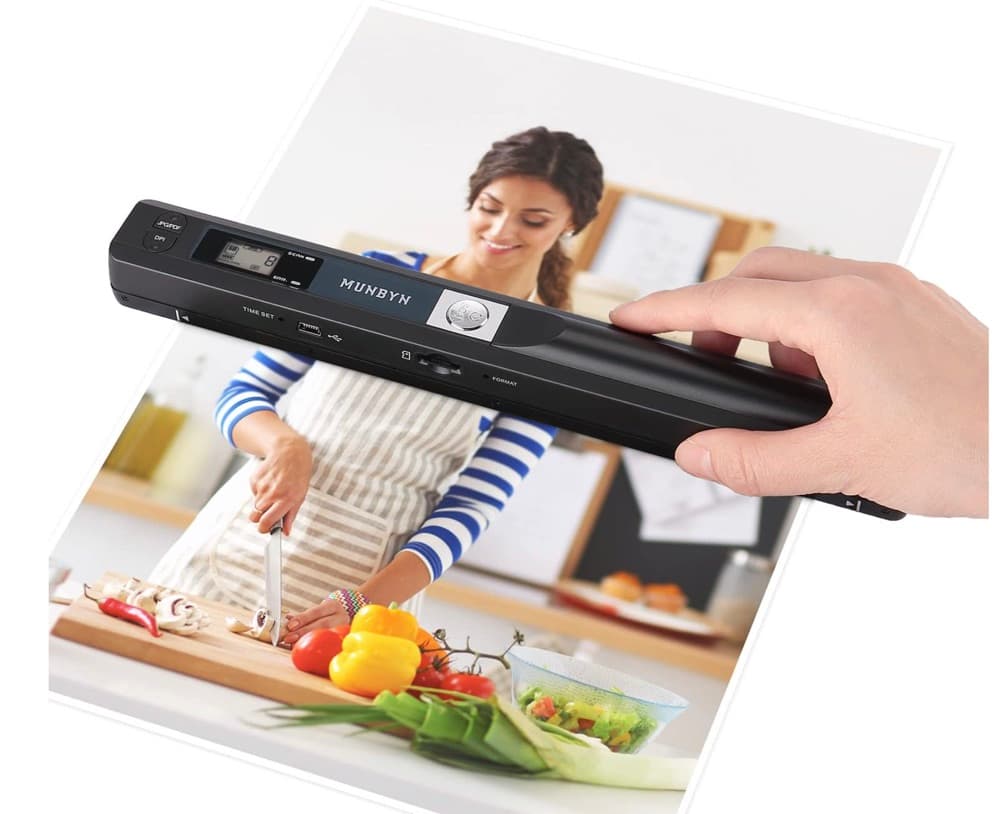
MUNBYN portable scanner
A handheld scanner option for bringing paper notes and pages into a digital workflow.
View on Amazon
GLENCREAG RK104 retro mechanical keyboard
A full-size mechanical keyboard option for long cleanup, formatting, and writing sessions.
View on AmazonAs an Amazon Associate I earn from qualifying purchases.
All referenced CleanThisText tools process pasted text locally in browser memory. Read the privacy explanation.