CleanThisText guide
Clean an AI explanation without damaging its code
Understand protected code regions, indentation, fences, and why prose cleanup should be separate from code formatting.
Keep code visibly separated
A response often mixes an explanation with shell commands, JavaScript, or a configuration example. Spaces and punctuation that are cosmetic in the explanation can be significant in the code. Preserve the original delimiters and avoid applying a whole-document space cleaner to that mixture.
The review studio recognizes Markdown code spans and code blocks through a Markdown parser. It excludes those source ranges from its cleanup steps. Its exact code-region comparison includes delimiters, so a fenced block is still clearly bounded in the plain-text result.
Check the boundaries as well as the contents
A missing closing fence can make a large remainder look like code. An indentation mistake can make a line look like prose instead. Inspect the copied source when a stage appears to do nothing or changes a region you expected to be protected.
Inline snippets should remain separated from surrounding words. Review line breaks immediately before and after a block so a command has not become part of a sentence. Protection describes recognized Markdown structure, not every code fragment that happens to appear in ordinary prose.
Format and test code separately
If you actually need to reformat JavaScript, copy only that snippet into JavaScript Formatter. It formats source without executing it, but a syntactically valid snippet can still be wrong or unsafe. Run application tests in your own development environment before using generated code.
Never treat a passing reference comparison as permission to run an unfamiliar command. Read commands for network downloads, credential access, deletion, or permission changes. Formatting review and code security review answer different questions.
Worked example
Input
**Example:**

```js
const total = 3.14;  // two spaces
```
Result
Example:

```js
const total = 3.14;  // two spaces
```
The bold label becomes prose, while the code, its spaces, and its fence delimiters remain exact.
References
For the next step
Simple hardware for an offline draft workflow.
Optional picks for moving paper notes into a file and writing through a revision.
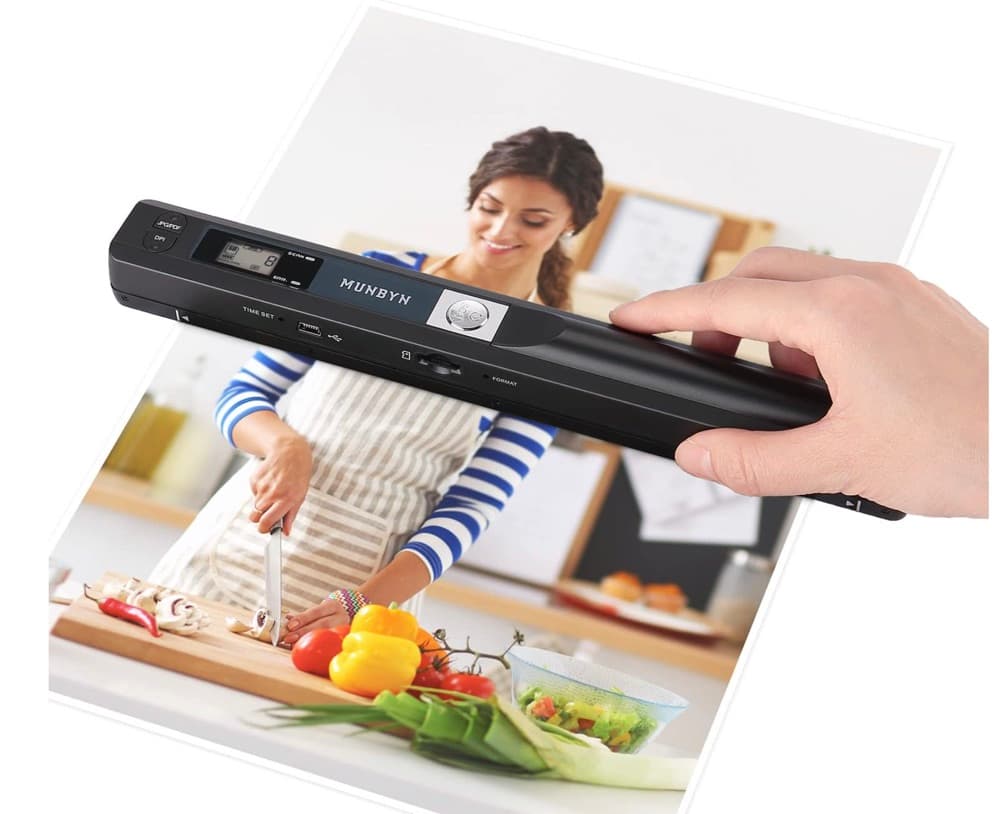
MUNBYN portable scanner
A handheld scanner option for bringing paper notes and pages into a digital workflow.
View on Amazon
GLENCREAG RK104 retro mechanical keyboard
A full-size mechanical keyboard option for long cleanup, formatting, and writing sessions.
View on AmazonAs an Amazon Associate I earn from qualifying purchases.
All referenced CleanThisText tools process pasted text locally in browser memory. Read the privacy explanation.