CleanThisText guide
Protect prices, dates, and IDs during text cleanup
Use ordered number comparisons and exact phrase pins to catch changes that a cosmetic preview can hide.
List the values that matter
Before cleaning a quote, project note, or invoice explanation, identify amounts, dates, measurements, percentages, and identifiers. Keep units beside their values. A number copied perfectly into the wrong sentence is still a problem, so compare context as well as digits.
Pin exact phrases such as USD 1,250.50, an order label, or a delivery date in the review studio. Pins compare case-sensitive occurrence counts. A missing source phrase has zero occurrences, so confirm that the phrase is actually present before relying on a matching check.
Keep broad punctuation rules away from numeric text
Fix Punctuation Spacing applies a general punctuation rule, not numeric parsing. It can turn 3.14 into 3. 14. Similar risks affect times and URLs. Do not run that tool over an important mixed-data passage without inspecting every change.
The studio avoids that punctuation-spacing operation. Its number comparison retains sequence order and punctuation inside recognized digit patterns. This can catch a removed duplicate value or a changed decimal representation, but it is not a currency, date, or unit validator.
Interpret counts conservatively
Extract Numbers has a narrower integer-and-dot-decimal pattern. A comma-formatted value or exponent can be split into separate matches. Do not use an extracted count as proof that all monetary values survived exactly.
For a critical numeric passage, read the old and new lines beside each other. Verify separators, signs, currencies, units, leading zeros, and the relationship to the surrounding words. If a check changes unexpectedly, disable the responsible cleanup step and preview again from the original.
Worked example
Input
**Budget:**   USD 1,250.50
**Reference:**  00042
Result
Budget: USD 1,250.50
Reference: 00042
The default cleanup leaves the amount's separators and the identifier's leading zeros intact. It does not convert the identifier to a number.
For the next step
Simple hardware for an offline draft workflow.
Optional picks for moving paper notes into a file and writing through a revision.
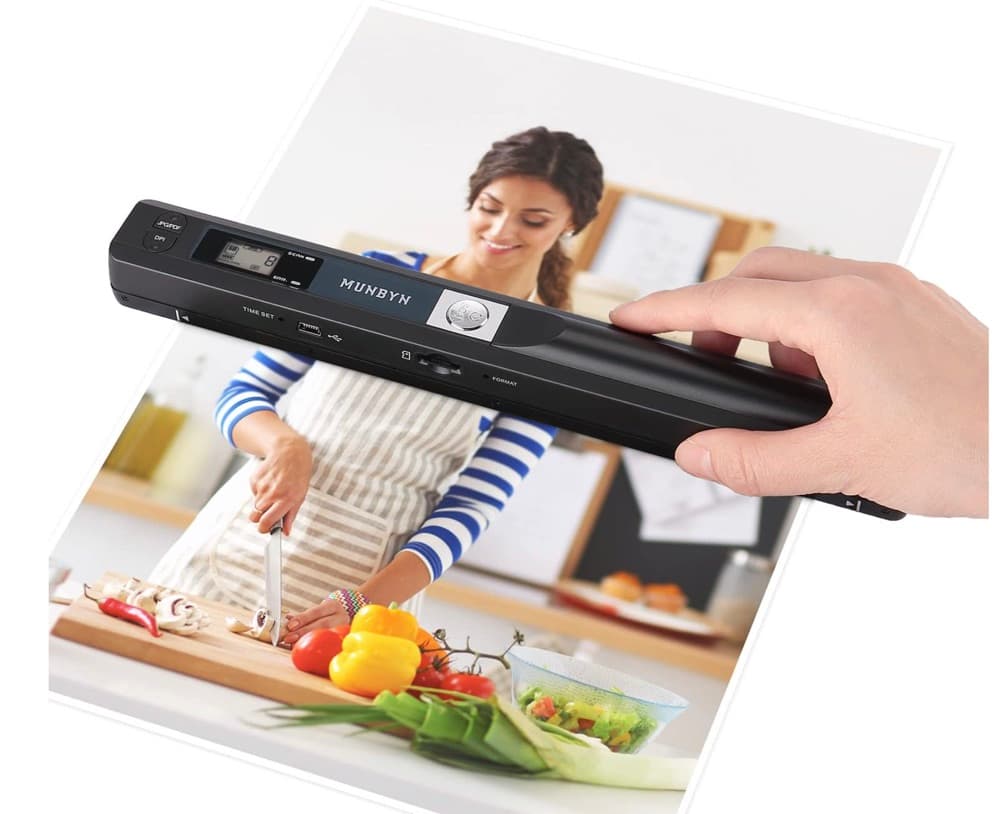
MUNBYN portable scanner
A handheld scanner option for bringing paper notes and pages into a digital workflow.
View on Amazon
GLENCREAG RK104 retro mechanical keyboard
A full-size mechanical keyboard option for long cleanup, formatting, and writing sessions.
View on AmazonAs an Amazon Associate I earn from qualifying purchases.
All referenced CleanThisText tools process pasted text locally in browser memory. Read the privacy explanation.