CleanThisText guide
Review an AI text cleanup before you paste it
Use staged changes, pinned phrases, code protection, and reference comparisons to review a cleaned draft instead of trusting a one-click result.
Choose what must not change
A copied response can contain a budget, a deadline, a quotation, a source URL, and executable code in the same passage. Removing visible asterisks is easy; noticing an accidental change to an important detail is harder. Keep your untouched source and decide which details need an explicit comparison before you begin.
In Cleanup Review Studio, choose AI response for common Markdown and spacing cleanup. Pin short, exact phrases such as a company name or a quoted commitment, one per line. A pin is an occurrence-count check, not a lock: the tool will warn if the phrase changes, rather than silently preventing every possible edit.
Read the changes, not just the green checks
Select Preview cleanup and inspect Changes. Removed and added segments show the formatting decisions. The stage history identifies which enabled operations changed the text and their character counts. If a stage was unnecessary, disable it and create a new preview from the original.
References compares ordered number sequences, recognized web destinations, exact Markdown code regions, and pinned-phrase counts. A matching result does not prove that a budget is correct or a source supports a claim. It can also miss changes to ordinary prose. Read the result in context before copying.
Keep the review local
The preview is built in the current tab without an AI-model request. Changing the original or settings invalidates the previous result, so copy and download remain unavailable until you preview again. Closing or refreshing discards the draft.
Download Text if you need the cleaned passage, or Review report if you need operation names and comparison counts without embedding the draft. The report is not a signed certificate or a persistent audit record. For a long document, review meaningful sections separately; the workspace accepts up to 75,000 characters and bounds detailed diffs to keep comparison work finite.
Worked example
Input
## Delivery

**Due:**   2026-11-15.
**Cost:**  $125.50.
Result
Delivery

Due: 2026-11-15.
Cost: $125.50.
The default recipe removes styling and repeated spaces while retaining the literal date and amount. Reference checks compare those number sequences; they do not validate the delivery promise.
For the next step
Simple hardware for an offline draft workflow.
Optional picks for moving paper notes into a file and writing through a revision.
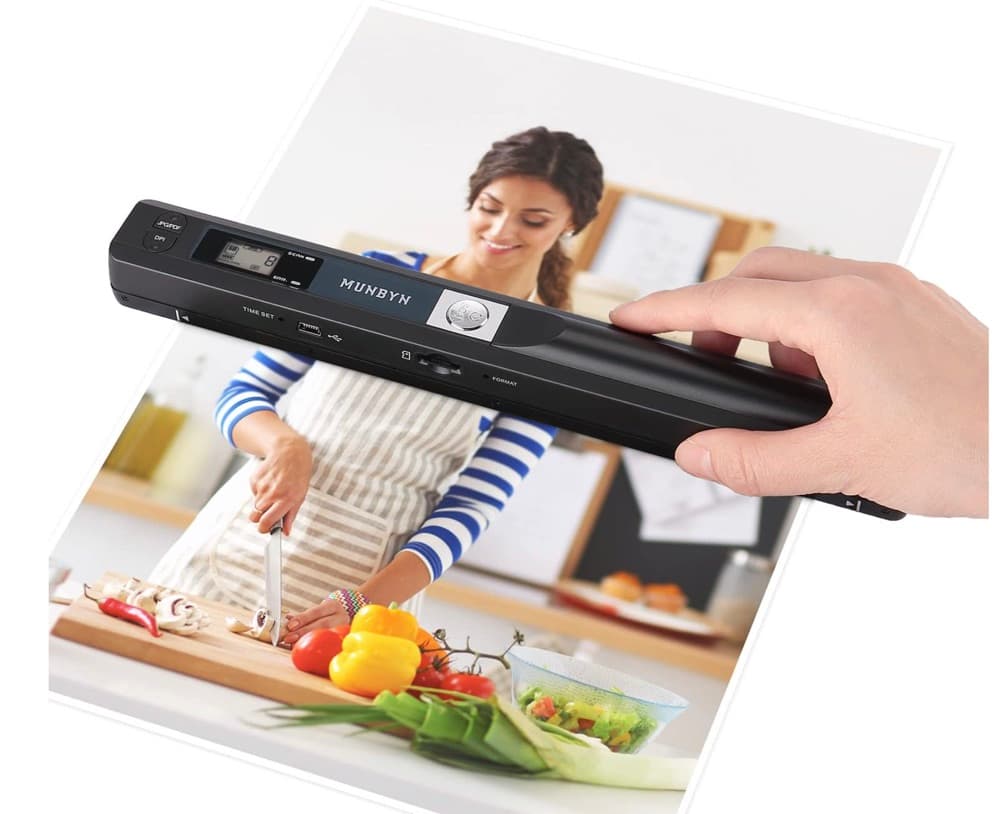
MUNBYN portable scanner
A handheld scanner option for bringing paper notes and pages into a digital workflow.
View on Amazon
GLENCREAG RK104 retro mechanical keyboard
A full-size mechanical keyboard option for long cleanup, formatting, and writing sessions.
View on AmazonAs an Amazon Associate I earn from qualifying purchases.
All referenced CleanThisText tools process pasted text locally in browser memory. Read the privacy explanation.