CleanThisText guide
Choose Unicode normalization without flattening your text
Understand composed accents, compatibility forms, and why matching appearance does not guarantee identical representation.
Inspect a representation mismatch
Two visually identical words can use different character sequences. An accented letter may be a single composed code point or a base letter followed by a combining mark. Exact string comparison can distinguish them even when a reader cannot.
Inspect a short sample with Unicode Escape to make non-ASCII code points visible. If a search, deduplication rule, or publishing system disagrees with what you see, establish its actual normalization requirement before transforming an entire document.
Separate canonical and compatibility choices
NFC and NFD address canonical representations: composition and decomposition respectively. NFKC and NFKD additionally apply compatibility mappings, which may fold distinctions such as width or presentation variants. Compatibility normalization is not merely a stronger version of harmless cleanup.
Normalize Unicode exposes all four forms. The review studio offers only NFC as an optional prose step and keeps recognized code regions unchanged. If your destination requires a different form, use a deliberate standalone conversion and inspect its result.
Do not normalize signed or exact identifiers casually
A byte signature, hash, fixed test fixture, or externally assigned identifier may require the original representation. Changing to a canonically equivalent string can still change bytes. Keep the source when the surrounding protocol depends on exact encoding.
Normalization does not translate a word, remove every accent, identify deceptive look-alikes, or make an identifier secure. Test the normalized result in the actual receiving system, and document the rule when a team depends on consistent comparisons.
Worked example
Input
Café
Result
Café
The decomposed e plus combining acute becomes a composed accented letter. The word can look the same even though its representation changed.
- Normalization form:
- NFC
References
For the next step
Simple hardware for an offline draft workflow.
Optional picks for moving paper notes into a file and writing through a revision.
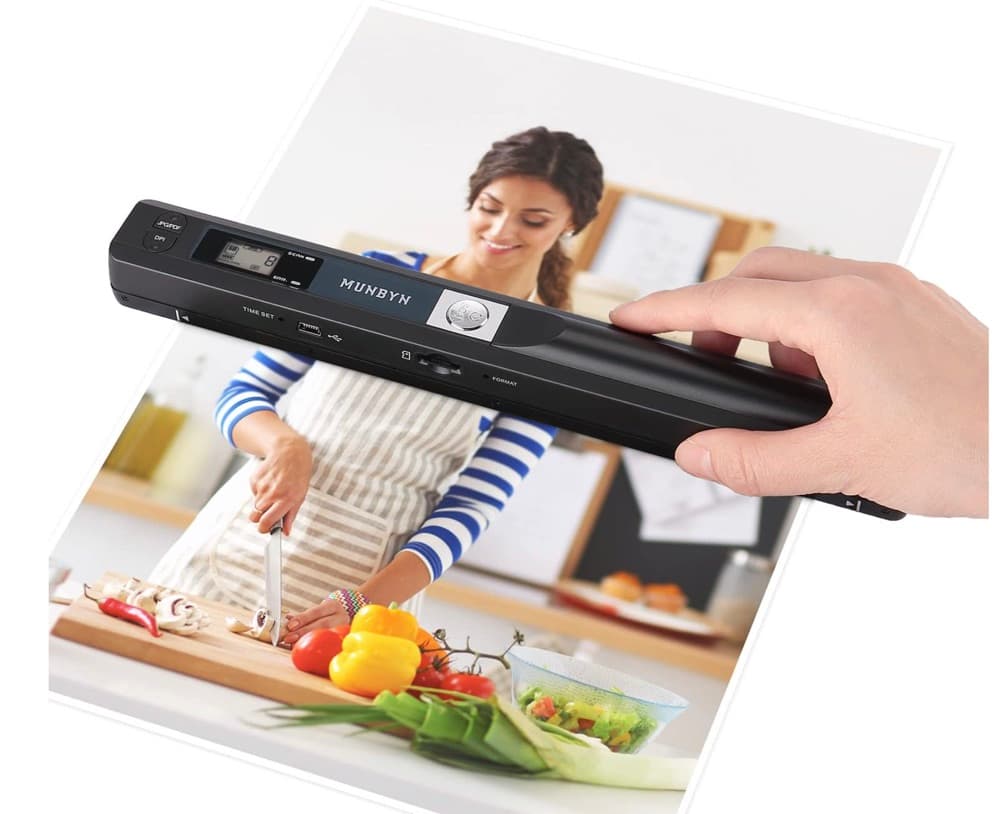
MUNBYN portable scanner
A handheld scanner option for bringing paper notes and pages into a digital workflow.
View on Amazon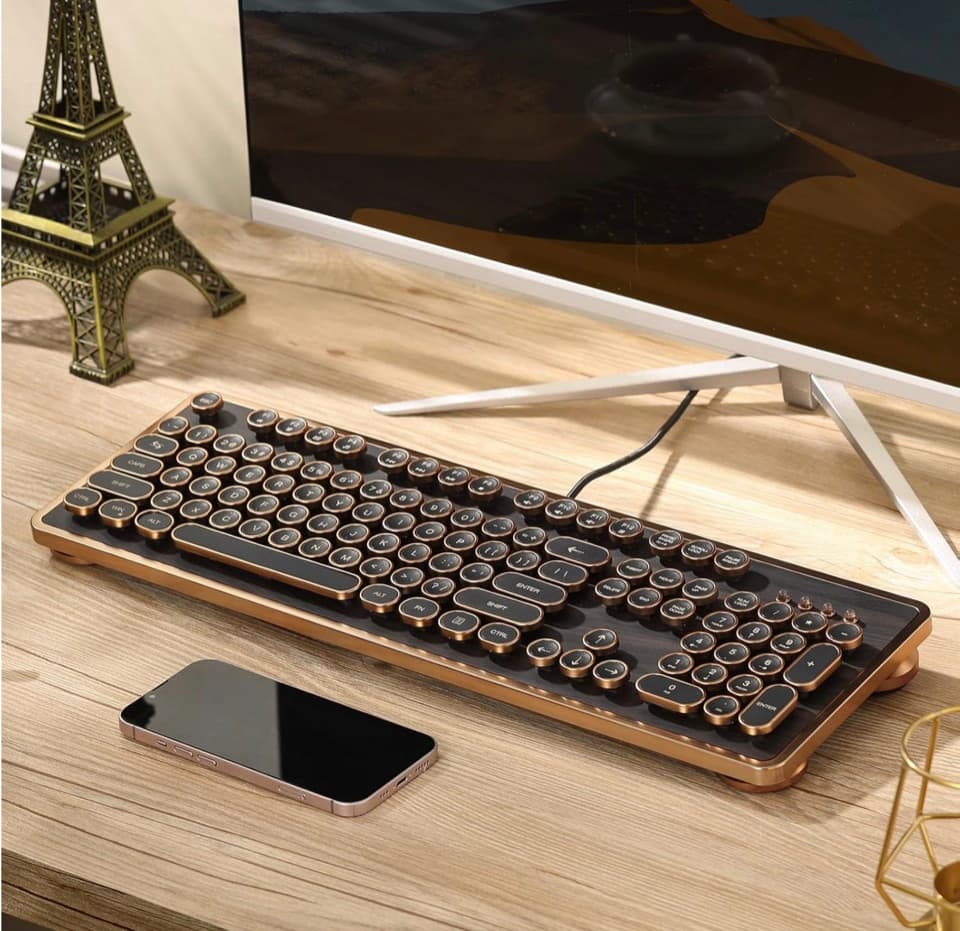
GLENCREAG RK104 retro mechanical keyboard
A full-size mechanical keyboard option for long cleanup, formatting, and writing sessions.
View on AmazonAs an Amazon Associate I earn from qualifying purchases.
All referenced CleanThisText tools process pasted text locally in browser memory. Read the privacy explanation.