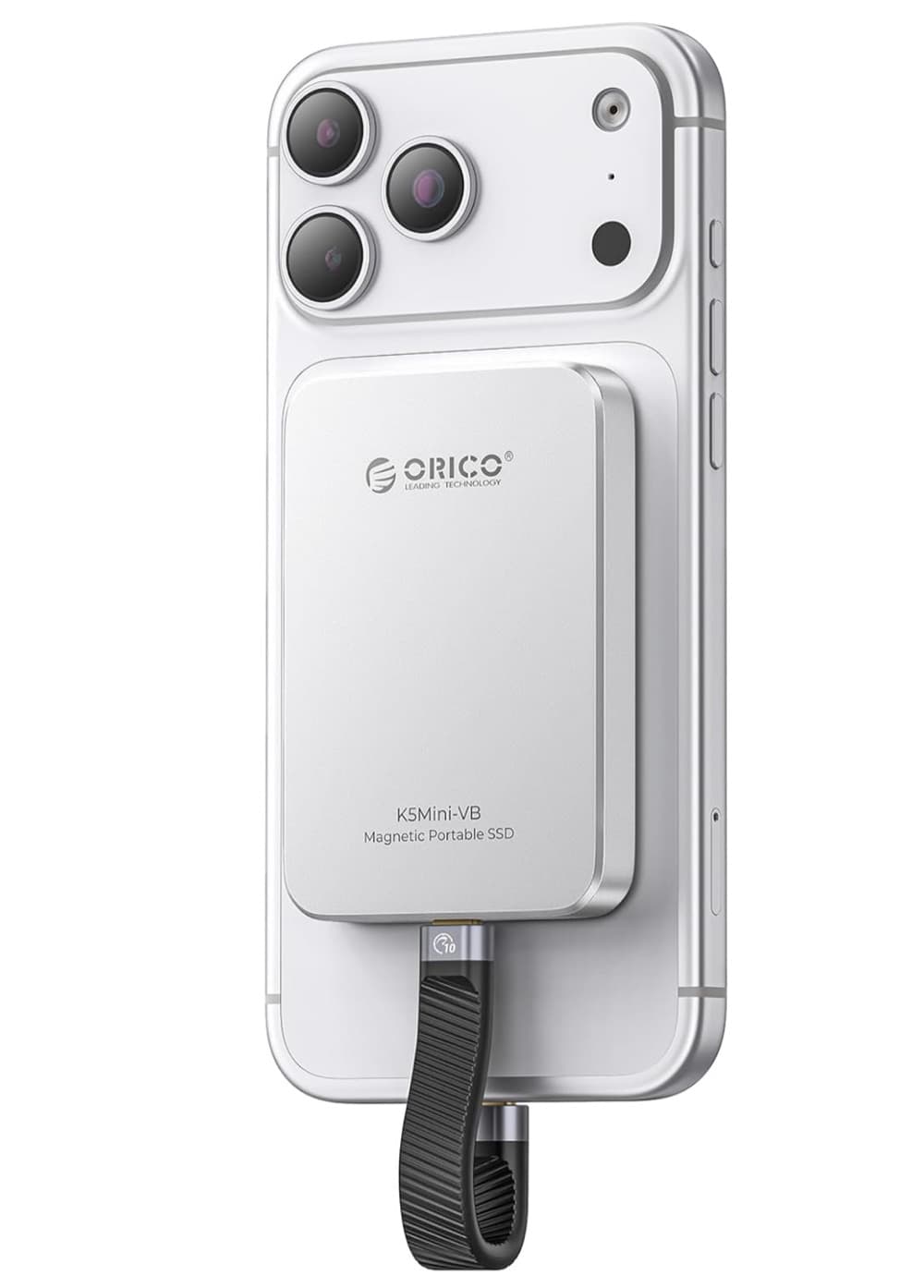
ORICO 512GB magnetic external SSD
An external SSD option for keeping local copies of working files and exports.
View on AmazonDeveloper tools
Compare two drafts by words or lines with accessible additions and removals. Processing starts in your browser, so pasted material does not need to become a server request.
Browser workspace
Your text stays in this tab and is not uploaded for processing.
The Text Compare evaluates both text fields locally and presents the relationship without storing either draft.
The first version of this sentence.
The workbench runs in your current browser tab. Input and output are not intentionally sent to CleanThisText servers for processing.
The comparison describes textual overlap and changes. It does not determine authorship or plagiarism.
No transformation endpoint is used. The workbench processes the current input in browser memory.
Yes. The tool is available without signup, login, or file upload.
Read the related guide: compare two text drafts
For focused work
Optional hardware that can support the file, note, or writing step before and after this browser-only task.
An external SSD option for keeping local copies of working files and exports.
View on Amazon
A multi-device charging station with a tablet stand for a document or writing desk. Check compatibility with your devices.
View on AmazonAs an Amazon Associate I earn from qualifying purchases.