CleanThisText guide
Move a Markdown table into plain text without losing its meaning
Review headers, row relationships, units, and empty cells instead of assuming that deleting pipe characters converts a table safely.
Decide how the reader will use the data
A small comparison table can look tidy in a chat and become confusing in an email. Before removing syntax, identify each column's meaning, whether a row is a complete record, and which units belong to each value. Blank cells may mean unknown, not zero.
For a few rows, labeled records are often clearer than a space-aligned imitation of the table: Plan: Basic; Price: USD 10; Renewal: monthly. For a larger dataset, use an actual spreadsheet or a properly parsed tabular format rather than a prose cleanup tool.
Do not mistake a cleaner for a table converter
The review studio's common Markdown step is not a full table-to-CSV engine. Pipe characters, separator rows, nested formatting, and escaped delimiters may remain. Keeping them is preferable to silently guessing a column mapping and losing a value.
Do not collapse repeated spaces in a hand-aligned table unless you intend to discard that alignment. A fixed-width preview can hide problems on a narrow screen, while a proportional-font email can make the same columns appear unrelated.
Review a deliberate conversion row by row
Write the labeled version, then compare each source row with its matching record. Check headers, currencies, units, footnotes, missing values, and repeated labels. A text diff can show your edits, but it cannot prove that a cell moved into the correct field.
When the layout is simplified, read the result without looking at the original. If the relationship between a value and its label is ambiguous, add the label rather than relying on spacing. Keep the table available until the destination version has been checked.
Worked example
Input
Plan | Price
Basic | USD 10
Second input
Plan: Basic
Price: USD 10
Result
Plan: Basic
Price: USD 10
This is an explicitly written conversion, not automatic table parsing. The comparison displays the revision; you must verify the header-to-value mapping.
For the next step
Simple hardware for an offline draft workflow.
Optional picks for moving paper notes into a file and writing through a revision.
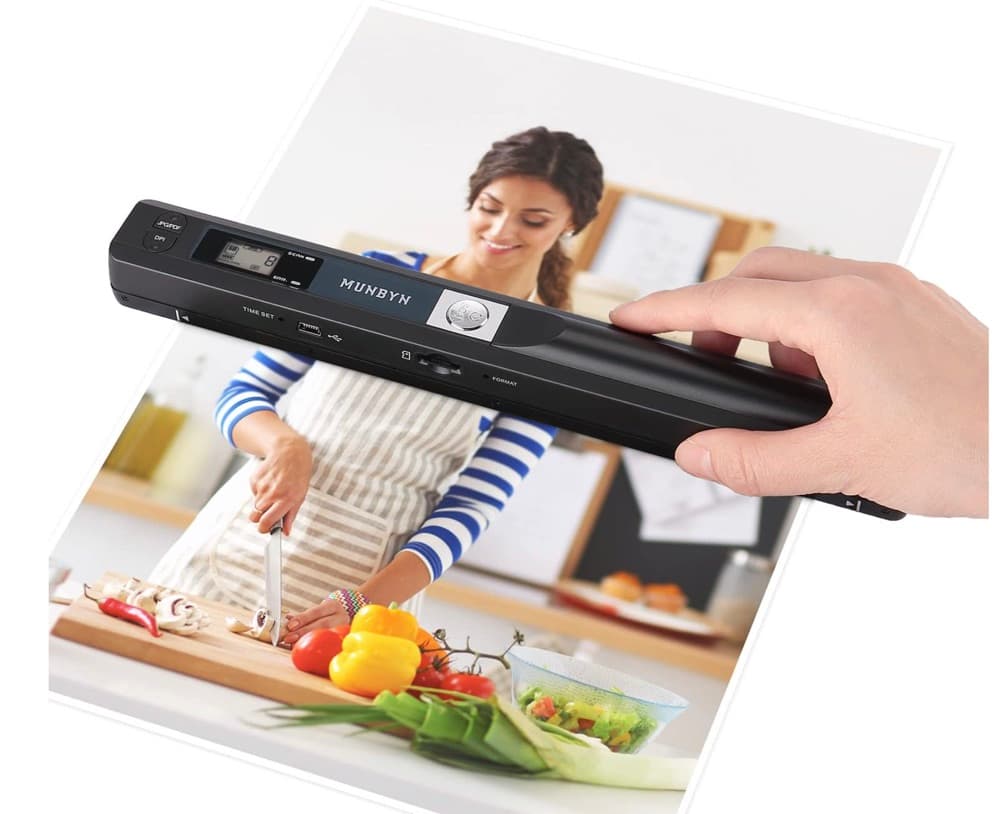
MUNBYN portable scanner
A handheld scanner option for bringing paper notes and pages into a digital workflow.
View on Amazon
GLENCREAG RK104 retro mechanical keyboard
A full-size mechanical keyboard option for long cleanup, formatting, and writing sessions.
View on AmazonAs an Amazon Associate I earn from qualifying purchases.
All referenced CleanThisText tools process pasted text locally in browser memory. Read the privacy explanation.