CleanThisText guide
Prepare a readable plain-text newsletter
Rewrap paragraphs, preserve useful URLs, and test what survives when rich formatting is unavailable.
Build the text version as its own document
A plain-text newsletter should still communicate its subject, sections, and call to action without relying on color, button styling, or an image. Keep a readable link destination next to any action that would otherwise be a styled button.
If your draft comes from a chat or Markdown editor, remove common styling first and inspect links. Do not assume an image's alt text or a complex table becomes a complete prose explanation. Rewrite those sections deliberately when the relationships matter.
Pick a width without breaking destinations
Plain Text Formatter reflows paragraphs to a chosen character width and includes any indentation within that width. Leave paragraph preservation enabled when sections need gaps. Use short representative paragraphs to check that a heading is not absorbed into the body.
Long unbroken URLs can exceed the width when long-word breaking is disabled. That can be preferable to inserting a break into an address. Enabling splitting is a display choice, not a guarantee that a receiving email client will reconstruct the original destination.
Test the actual delivery preview
Copy the formatted result into the system that will deliver it. Inspect narrow and wide previews, links, line endings, and the plain-text alternative to any HTML version. Editor soft wrapping and literal newlines are different: an apparent visual row does not always belong in the source.
Compare names, amounts, dates, and any exact quoted copy after reflow. Keep sign-up, unsubscribe, and sender information according to your sending platform's requirements. This formatter does not send mail or validate a mailing list.
Worked example
Input
Read the update and share
your notes with the team.
Result
Read the update and share your notes with the team.
Words are rewrapped to the selected width. The wording stays in order; delivery preview remains a separate check.
- Maximum characters per line:
- 25
- Leading spaces per line:
- 0
- Preserve paragraph breaks:
- On
- Break long words:
- Off
For the next step
Simple hardware for an offline draft workflow.
Optional picks for moving paper notes into a file and writing through a revision.
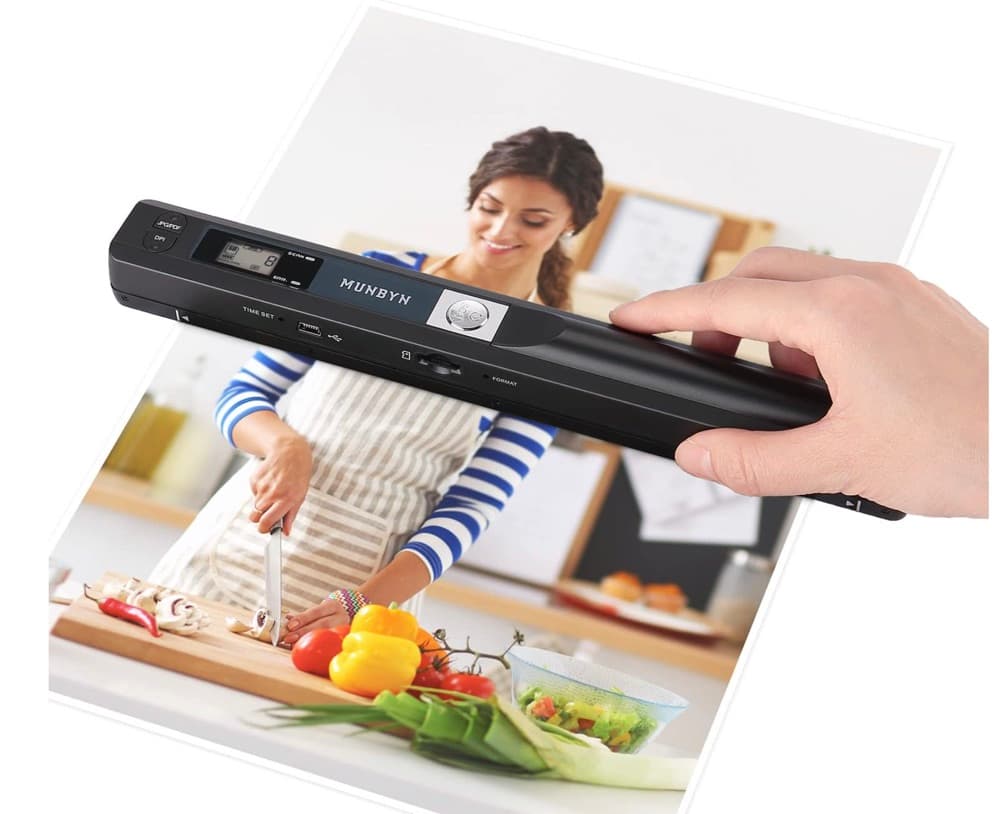
MUNBYN portable scanner
A handheld scanner option for bringing paper notes and pages into a digital workflow.
View on Amazon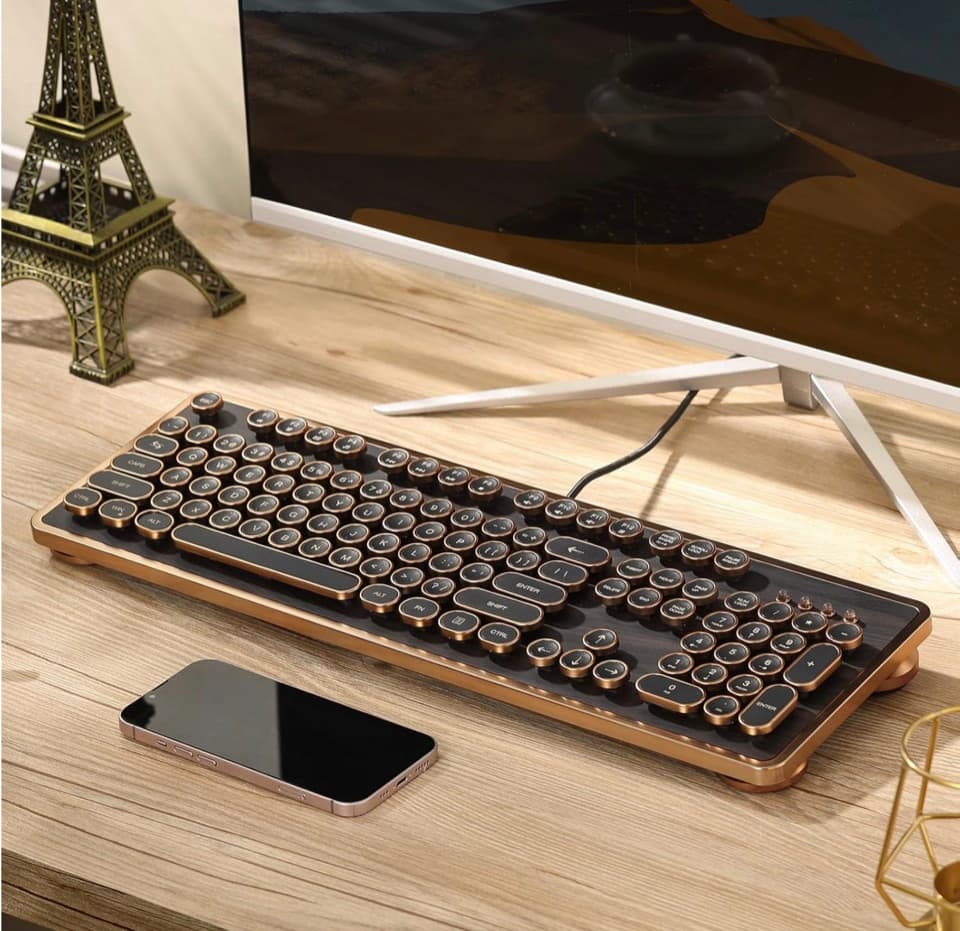
GLENCREAG RK104 retro mechanical keyboard
A full-size mechanical keyboard option for long cleanup, formatting, and writing sessions.
View on AmazonAs an Amazon Associate I earn from qualifying purchases.
All referenced CleanThisText tools process pasted text locally in browser memory. Read the privacy explanation.